Scan smart.
Clean safely.
NYCTAVIS is a local-first Windows utility that finds junk, duplicate files and reclaimable space — and cleans only what you approve.
 NYCTAVIS
Everything to reclaim your disk
A focused toolkit that scans, finds and cleans — always with your confirmation.
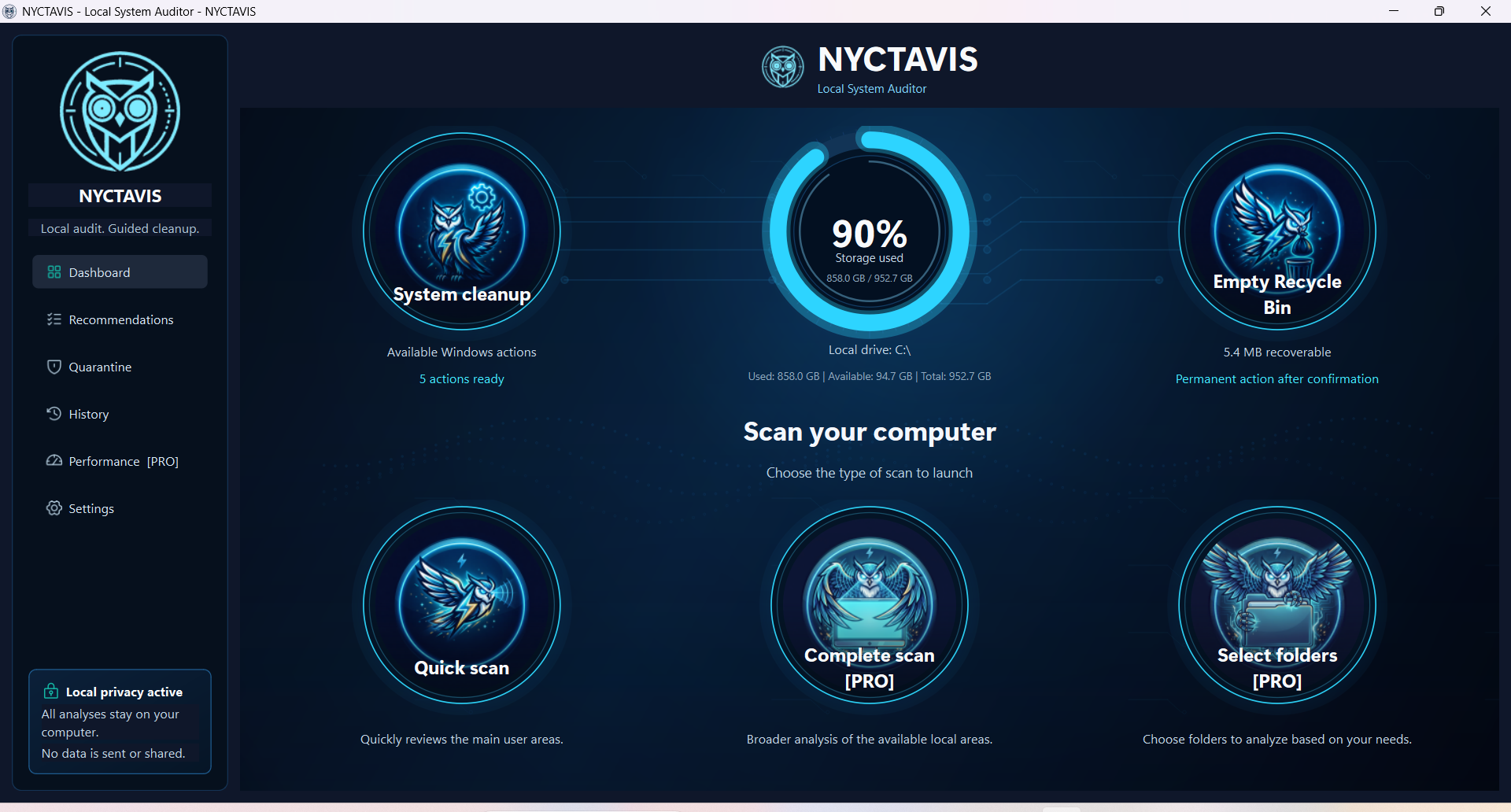
Deep disk scan
Quick, full or folder-picked scans map exactly what is taking up your space.
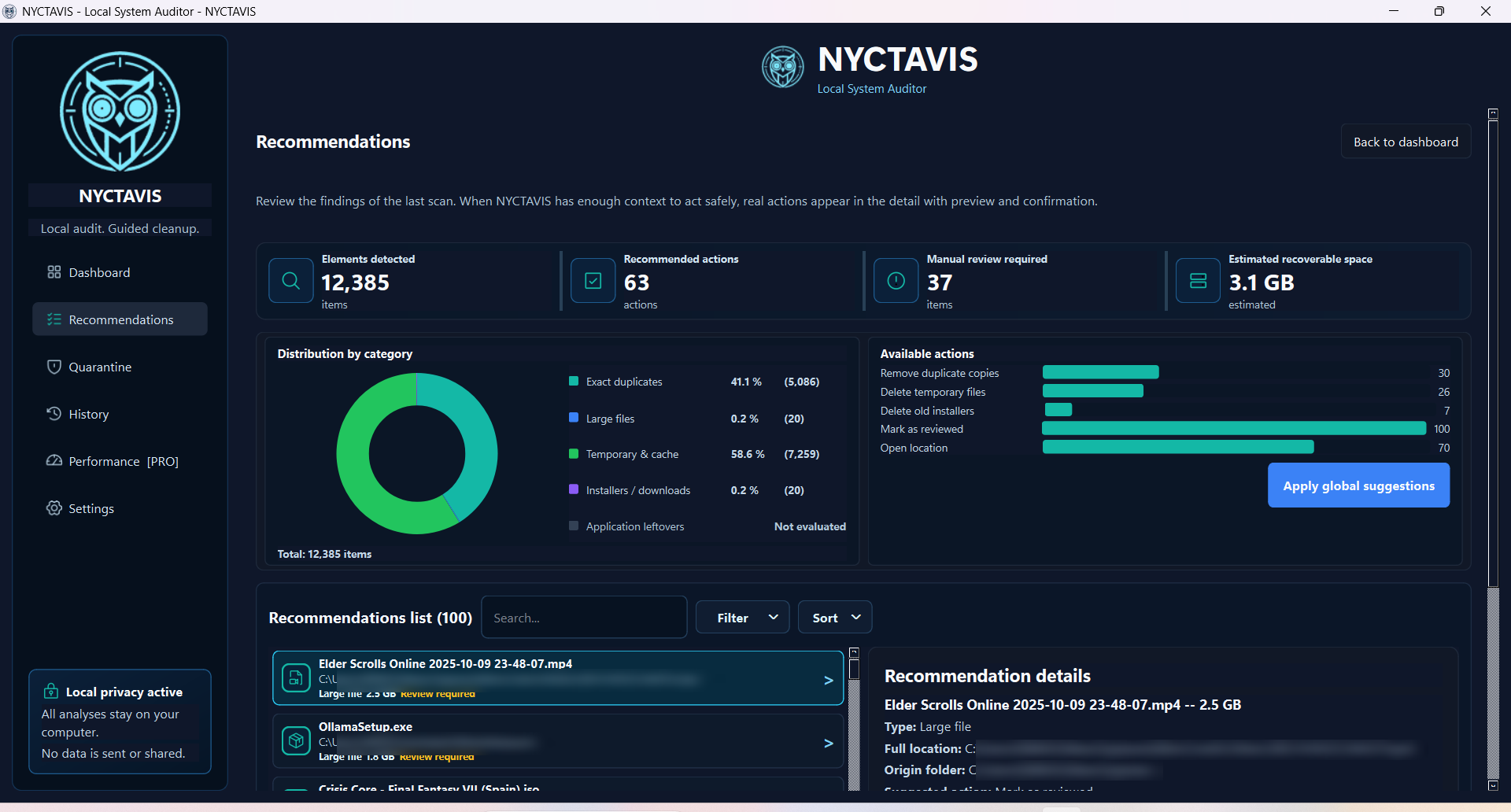
Duplicate finder
Content-based hashing detects true duplicate files, even with different names.
Guided cleanup
Temporary files, caches, the Recycle Bin and Windows cleanup tools — with clear previews and confirmations.
Reclaim space
Review recoverable space and apply the available actions with clear confirmation.
Safe by default
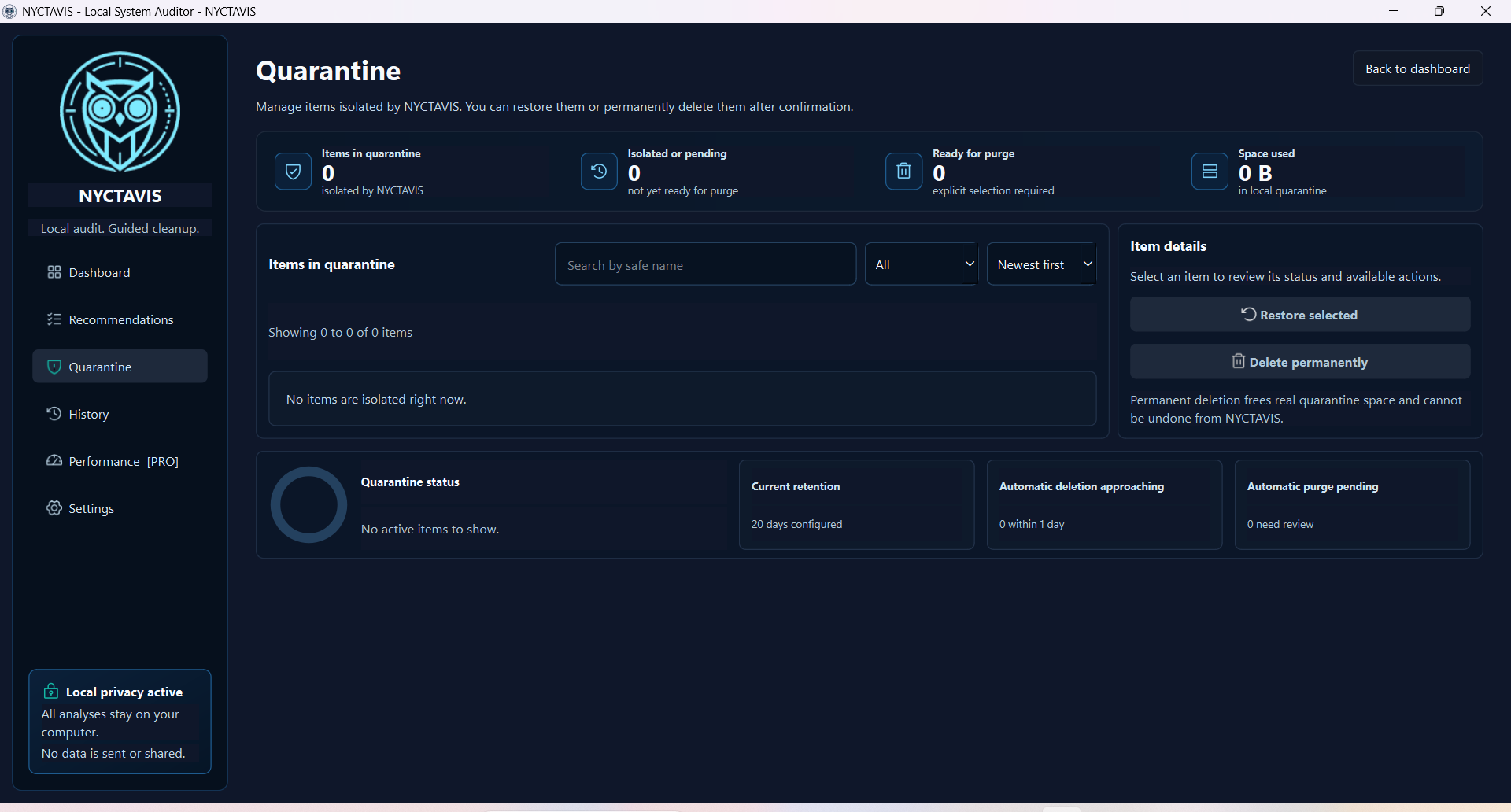
Potentially destructive actions require confirmation. Managed quarantine protects reversible flows.
Private & local
Everything runs on your PC. No cloud upload or telemetry. Free mode needs no NYCTAVIS account.
Clean, calm, in control
A modern interface in English, Spanish and French.
Your files never leave your PC
NYCTAVIS is local-first by design. It reads your disk to help you clean it — and that is where everything stays.
- ✔No cloud. Analysis happens entirely on your machine.
- ✔No telemetry. We don't track what you scan or delete.
- ✔No NYCTAVIS account. Free mode works without sign-up; Microsoft Store may require its account for Pro purchases.
- ✔Temporary quarantine. Managed items can be restored during their 20-day retention period, with advance notice before removal.
Frequently asked
Is NYCTAVIS free?
Yes. NYCTAVIS Free can be downloaded from Microsoft Store. An optional one-time Pro upgrade is available in the app; Microsoft Store shows the local price before purchase.
Is my data private?
NYCTAVIS processes scan data locally. It does not upload your files, paths or results and does not send telemetry. Purchases and licenses are handled by Microsoft Store.
Will it delete files automatically?
Scan findings are not removed without your explicit confirmation. Reversible actions use managed quarantine when applicable; permanent deletion is clearly identified and confirmed.
Which Windows versions are supported?
NYCTAVIS targets 64-bit Windows 10 and Windows 11.
Where can I download it?
NYCTAVIS is available now from Microsoft Store. Use the Store button on this page to download the official Windows package.
Start with NYCTAVIS Free
Download the official Windows app from Microsoft Store. Upgrade to Pro once if you want the complete set of available features.
Free download · Optional one-time Pro upgrade · Windows 10/11 (64-bit)